
OpenPose – Real-Time Human Pose Detection Made Simple
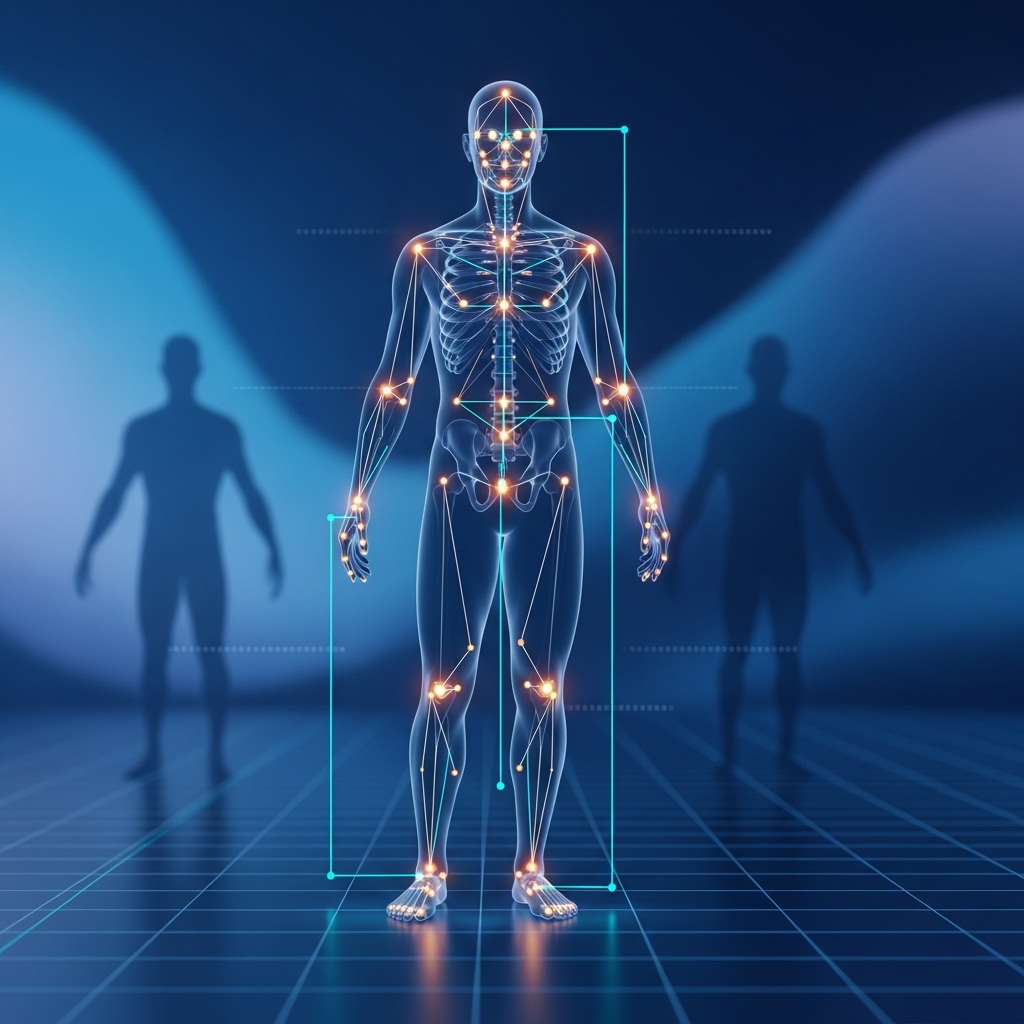
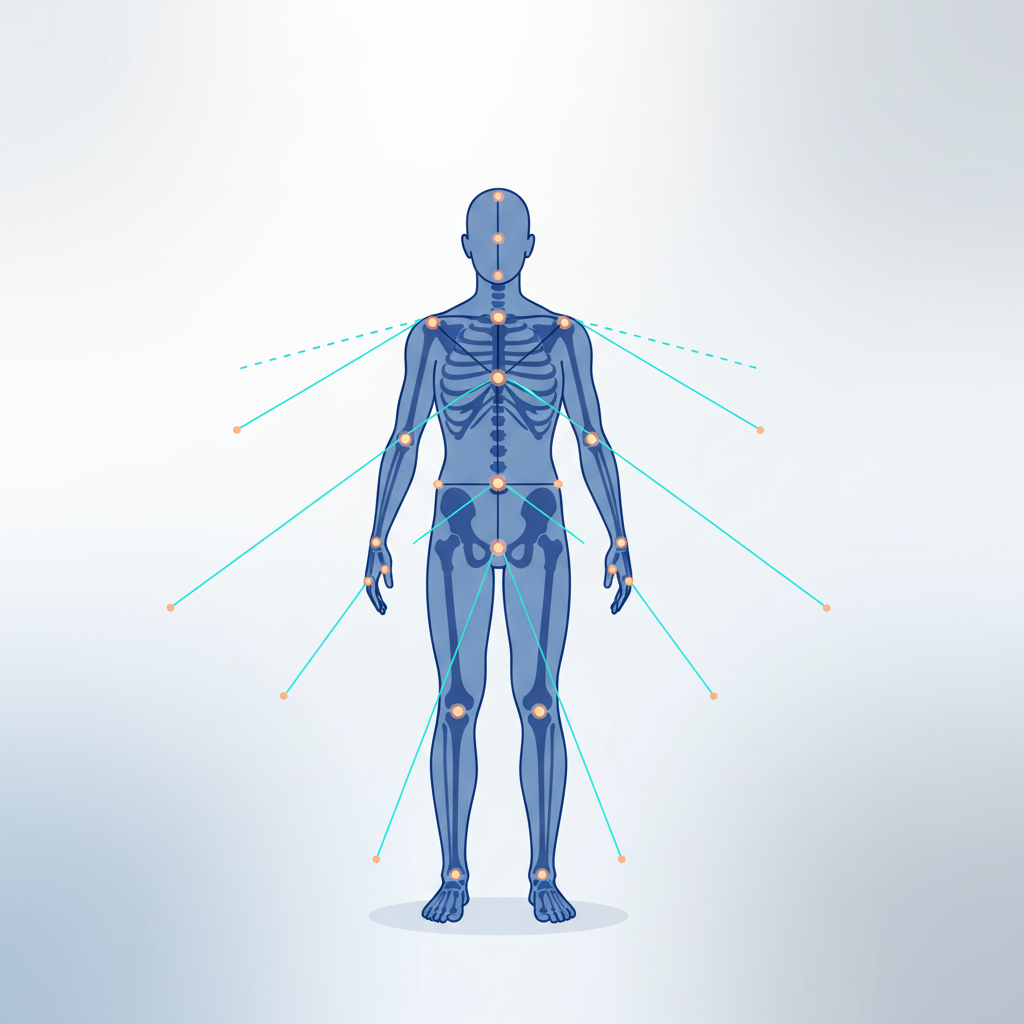
OpenPose is a powerful computer vision system that enables real-time multi-person pose detection, allowing developers to identify, track, and analyze human body keypoints directly from images and video streams with high accuracy.
About OpenPose
At OpenPose, we believe that human pose detection should be fast, accurate, and accessible for every developer working in computer vision and AI. Our mission is to simplify real-time multi-person keypoint detection and make human motion analysis effortless across images and video streams.
We understand how important reliable vision-based tools are in modern AI, robotics, fitness tracking, and interactive systems. Whether you are building motion analysis applications, researching human behavior, or developing real-time tracking systems, having a powerful and accurate pose estimation framework is essential for performance and precision.
OpenPose is designed with a strong focus on real-time performance, accuracy, and scalability. With features like multi-person detection, face and hand keypoint tracking, and full-body pose estimation, it provides everything needed to analyze human movement in a clean, efficient, and developer-friendly way.
Powerful Features
Pose Debugging
Test and debug OpenPose pipelines directly from your terminal with fast commands to process frames and view pose outputs instantly.
Model Detection
Automatically load and inspect available OpenPose models and keypoint configurations for faster setup and experimentation.
Live Output
Run pose estimation on images or video streams and instantly view structured keypoint results in real time.
Lightweight CLI
A fast and minimal command-line tool designed for developers working with OpenPose who need speed, simplicity, and full terminal control.
Secure Workflow
Handle pose estimation tasks safely with controlled execution pipelines and reliable local processing workflows.
Dynamic Runs
Easily run custom OpenPose commands for images, videos, or real-time streams without complex configuration or boilerplate setup.
Result View
View clean and structured keypoint data (joints, confidence scores, skeleton mapping) for easier debugging and analysis.
Faster Workflow
Speed up your AI and pose estimation pipeline development with a smooth CLI workflow built for modern computer vision engineers.
Why Choose OpenPose?
We focus on speed, simplicity, and developer productivity for modern computer vision and pose estimation workflows.
Fast & Lightweight
Minimal CLI tool for quick OpenPose testing without heavy setup or unnecessary dependencies.
Secure Execution
Reliable and controlled processing for safe and consistent pose estimation results.
Built for Debugging
Perfect for testing models, inspecting keypoints, and analyzing pose outputs in real time.
Zero Setup Hassle
Start instantly from the terminal with no complex installation or configuration required.
Always Ready CLI
Access OpenPose anytime directly from your command line for fast experimentation and workflows.
How OpenPose Works
Input Captured
The system takes an image or video frame from the client for pose analysis.
Model Loads
OpenPose loads the selected AI model and keypoint detection configuration.
Pose Processing
The model processes the input using deep learning to detect human joints and skeleton structure.
Keypoints Generated
It identifies body parts and generates structured keypoints with confidence scores.
Results Returned
Processed pose data is sent back in a structured and optimized format.
Output Displayed
Final results are displayed for debugging, visualization, or further computer vision use.
Download OpenPose
Fast, lightweight, and developer-friendly. Get the best CLI tool for running and testing OpenPose-based pose estimation directly from your terminal.
System Requirements: Windows / macOS / Linux • CLI / Terminal Support • Minimal System Resources
☑️ Latest Version 1.0.0 | ~5–10 MB (Lightweight CLI Tool)
✔️ Safe & Trusted Developer Tool
✔️ No GUI Required – Fully Terminal-Based
✔️ Compatible with Windows, macOS & Linux
Perfect for:
Computer Vision Testing • Pose Estimation Debugging • AI Model Experimentation
Installation Guide
Open Official Source
Visit the official OpenPose repository or trusted source to safely access the CLI tool. Always download from verified platforms to ensure security and get the latest stable version.
Install Setup
Install OpenPose CLI and configure it in your system PATH so it can be accessed from any terminal window. Follow setup steps carefully for proper functionality.
Download Tool
Download the correct version of OpenPose CLI based on your operating system (Windows, macOS, or Linux). Choose the compatible build for smooth performance.
Run Commands
Open your terminal and start running OpenPose commands to process images or videos. Generate pose outputs and analyze results in real time.
Trusted By Developers
Trusted by computer vision developers and engineers in the US & UK for fast and reliable OpenPose CLI workflows.
Guide for OpenPose

Scoring but Not Keeping Clean Sheets: Serie A 2017/18 Teams for Both Teams to Score Bets
Read More »Frequently Asked Questions
General Questions
What is OpenPose CLI used for?
It is used for real-time human pose estimation and keypoint detection directly from the terminal.
Do I need a GUI to use OpenPose CLI?
No, it works completely from the command line without any graphical interface.
Is OpenPose CLI beginner friendly?
Yes, it is simple enough for beginners and powerful enough for advanced developers.
What kind of inputs does it support?
It supports images, video files, and real-time camera streams.
Is coding required to use it?
Basic terminal commands are enough; no heavy coding is required.
What is the main purpose of this tool?
To make pose estimation testing and debugging faster and easier.
Usage & Features
How do I run OpenPose commands?
You run commands directly in the terminal using simple CLI syntax.
Can I process videos in real time?
Yes, it supports real-time video and camera processing.
Does it show keypoints output?
Yes, it generates structured keypoints with confidence scores.
Can I debug models using it?
Yes, it is designed for pose estimation debugging and testing.
Is output customizable?
Yes, you can adjust formats and processing options.
Is it suitable for research work?
Yes, it is widely used in AI and computer vision research.
Installation & Setup
How do I install OpenPose CLI?
Download the correct version for your OS and follow the setup instructions.
Is installation difficult?
No, setup is simple and takes only a few minutes.
Does it require dependencies?
Minimal dependencies are required depending on your system configuration.
Can I install it on Windows, macOS, and Linux?
Yes, it supports all major operating systems.
Do I need GPU for installation?
GPU is optional but recommended for better performance.
Where can I get the latest version?
From the official repository or trusted release source.
Security & Support
Is OpenPose CLI safe to use?
Yes, it is safe when downloaded from official or trusted sources.
Does it require internet connection?
No, it works offline after installation.
Is my data secure?
Yes, all processing is done locally on your machine.
Is it open-source?
Yes, it is open-source and community supported.
Can I use it in commercial projects?
Yes, depending on the license of the distribution you use.
Where can I get support?
From official documentation and developer community forums.
OpenPose AI Tool – Human Pose Detection & Motion Analysis
OpenPose is a powerful AI-based tool for human pose estimation, skeleton tracking, & motion detection. Analyze body movements in real time with high accuracy.
Price: Free
Price Currency: $
Operating System: Windows, macOs, IOS
Application Category: Software
4.8